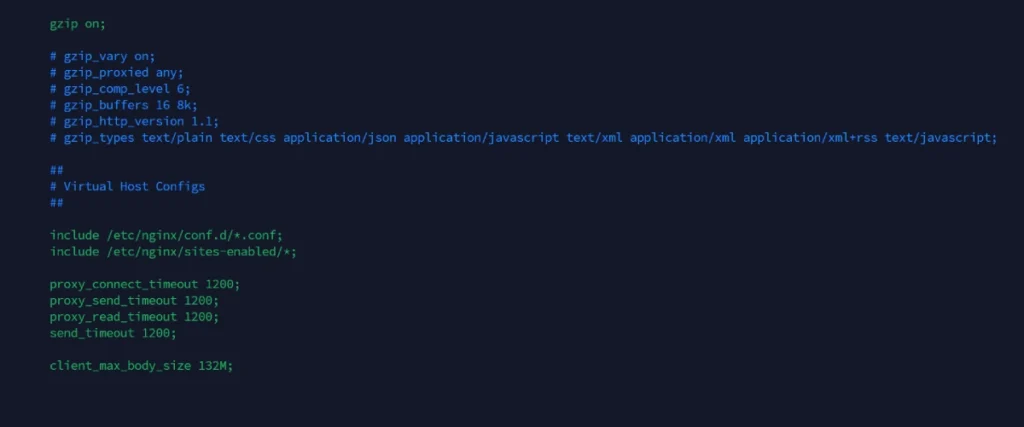
Nginx configuration settings ship conservative by default — a 1MB upload cap, 60-second timeouts — and that starts causing problems the moment you upload a real file or proxy a slower backend. Here’s how to fix both.
Global Config (applies to all sites)
Add this inside the http { } block:
Add this inside the http { } block:
Want It for One Site Only Instead?
Don’t touch nginx.conf — put it in that site’s file so it doesn’t apply globally:
Anything set here overrides the global value from nginx.conf — but only for this site.
Apply the Changes
nginx -t catches syntax errors before they take down the site — never skip it.